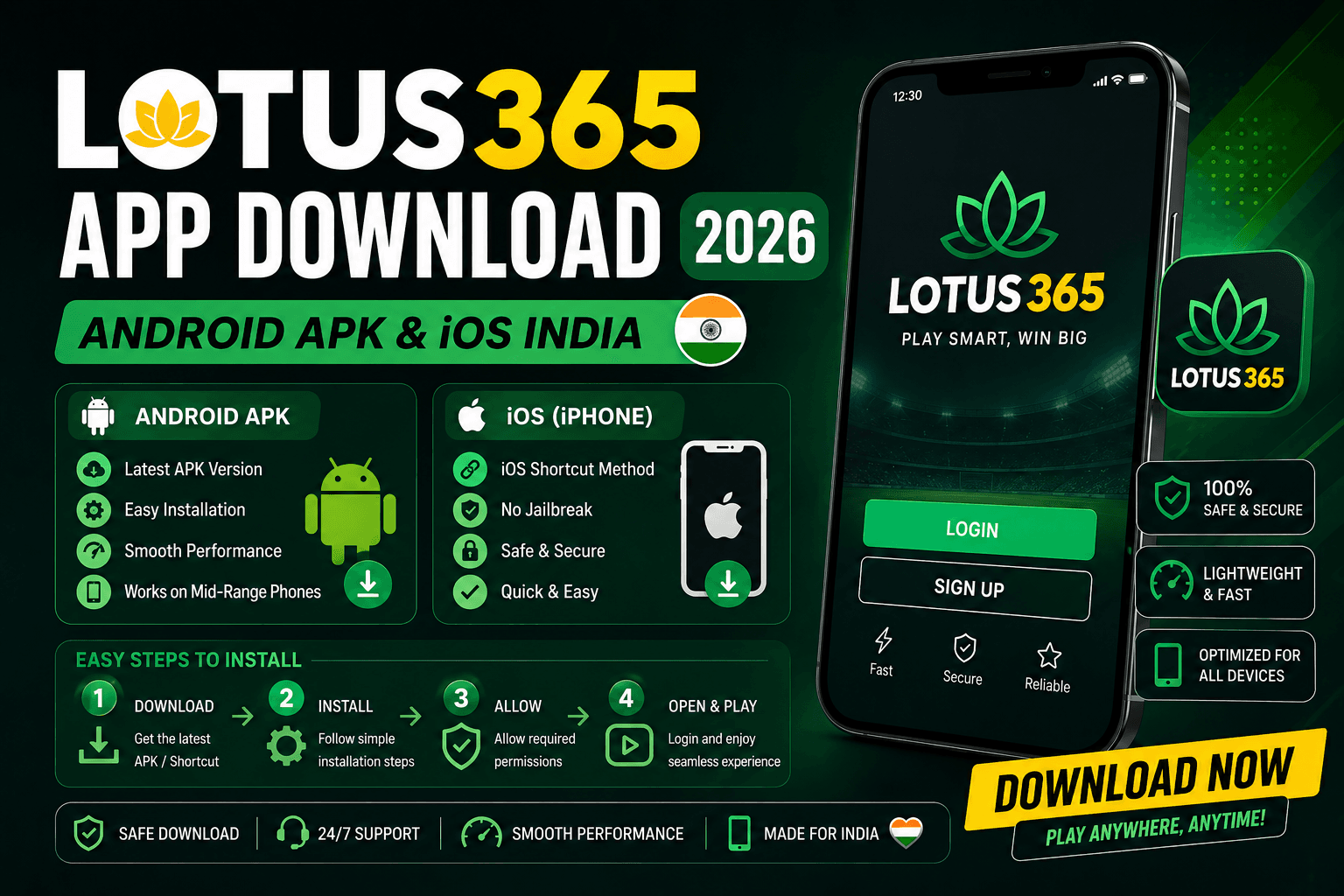
The lotus 365 app is not on Google Play Store, and that single fact confuses more new users than anything else about the platform. Google restricts real-money gambling applications in India, so every legitimate offshore betting platform distributes its Android app as a direct APK download from its official website. This is normal, legal, and safe when done correctly.
This guide covers the complete lotus365 app download and install process for Android and iOS, from finding the right download button to placing your first bet after install. It also covers the safety checks you need to run before installing any APK, the iOS home screen shortcut method for iPhone users, performance data from our April 2026 device tests, and fixes for the most common app problems reported by Indian users.
This guide covers 6 things: how to download and install the Android APK safely, how to set up Lotus365 on iOS, what permissions to grant and which to deny, how to enable biometric login, how to update the app when a new version is released, and how to fix the most common app errors on entry-level Android phones.
Trust Signal Box Last Updated: May 2026 Test Period: April 2026 Test Devices: Redmi Note 12 (Android 12, Jio 4G) and Samsung Galaxy A54 (Android 13, Airtel 5G) APK download time (Jio 4G): 47 seconds Full install time: 2 minutes 14 seconds App first-load time: 1.8 seconds Reviewer: Lotus365 editorial team
How to Download the Lotus365 APK on Android (Step-by-Step)
Follow these steps exactly. The order matters because Android blocks APK installs from unknown sources by default until you change the setting.
Step 1: Go to the official site Open Chrome or any browser on your Android phone and type lotus365-co.com in the address bar. Do not search Google for “lotus365 apk download” and click a random result. Only download from the verified official domain.
Step 2: Find the Download App button The green or orange Download App button is on the homepage. On mobile it may be in the header menu or as a floating button at the bottom of the screen. Tap it.
Step 3: Save the APK file The browser will ask if you want to download the file. Tap Download. The APK file, approximately 28 MB, saves to your phone’s Downloads folder. On Jio 4G this takes around 47 seconds.
Step 4: Allow installation from unknown sources Android blocks apps from sources outside Google Play by default. When you tap the downloaded APK, a prompt will appear saying Install Blocked. Tap Settings in that prompt. Then find Install Unknown Apps, find your browser (Chrome or whichever you used), and toggle it to Allow.
Alternatively, navigate there manually: Settings, then Apps, then Special App Access, then Install Unknown Apps, then find your browser and allow it.
Step 5: Install the app Go back to your Downloads folder or tap Open in the browser’s notification bar. Tap the Lotus365 APK file. The standard Android install screen appears showing the app name and permissions. Tap Install.
Step 6: Disable unknown sources after install Once the install finishes, go back to Settings, Apps, Special App Access, Install Unknown Apps, and toggle your browser back to Do Not Allow. This is a good security habit. Leaving it enabled permanently increases your phone’s vulnerability to malicious APKs from other sources.
Step 7: Launch and log in Tap Open or find the Lotus365 icon in your app drawer. Log in with your username and password. On first launch you will be prompted to enable biometric login. Tap Enable and authenticate with your fingerprint or face unlock to set it up.
Security Warning: Never download the Lotus365 APK from APKPure, Softonic, APKMirror, or any third-party APK hosting site. These sites often repackage official apps with added malware or adware. The only safe download source is lotus365-co.com directly.
Is the Lotus365 APK Safe to Download?
This is the most common question new users have, and it deserves a direct answer. Yes, the Lotus365 APK downloaded from the official lotus365-co.com domain is safe. Here is how to verify it yourself rather than taking anyone’s word for it.
Check 1: Verify the download URL Before tapping Download, check the URL in your browser bar. It should show lotus365-co.com exactly. If the URL shows any variation like lotus365.net, lotus-365.com, or lotus365.xyz, you are not on the official site. Close and start again.
Check 2: Check the file size The official Lotus365 APK is approximately 28 MB. If you downloaded a file smaller than 15 MB or larger than 50 MB, it may not be the genuine app. Delete it and download again from the official site.
Check 3: Check the app name during install During the Android install prompt, the app name should read Lotus365 or Lotus 365. If it shows any variation like L365, LotusBook, or any other name, do not install it. It is not the official app.
Check 4: Review the permissions requested The Lotus365 app requests camera access (for KYC document upload and biometric setup), storage access (for document uploads and app data), internet access, and notifications. It should not request access to your contacts, call logs, SMS inbox, or location. If any of these appear during install, do not proceed.
Check 5: Scan with Google Play Protect After installing, open Google Play Store, tap your profile icon, tap Play Protect, and tap Scan. Play Protect scans all installed apps including sideloaded APKs. A clean result confirms the APK contains no known malware.
How to Install Lotus365 on iPhone and iPad (iOS)
Apple does not allow real-money gambling apps in the App Store for India, so there is no native Lotus365 iOS app. iPhone and iPad users access the platform through the mobile browser at lotus365-co.com. The experience is virtually identical to the app because the Lotus365 website is a Progressive Web App (PWA) optimized for mobile.
To make it feel like a native app with one-tap access from your home screen, follow these steps.
Step 1: Open Safari on your iPhone. Other browsers like Chrome on iOS do not support the Add to Home Screen feature properly.
Step 2: Go to lotus365-co.com and wait for the page to fully load.
Step 3: Tap the Share icon at the bottom of the Safari screen. It looks like a box with an upward arrow.
Step 4: Scroll down in the share menu and tap Add to Home Screen.
Step 5: Edit the name if you want. Tap Add in the top-right corner.
The Lotus365 icon now appears on your iPhone home screen. Tapping it opens the full betting platform directly in a full-screen browser window without the Safari address bar showing, making it feel and behave like a native app.
iOS Performance Notes
On our iPhone 13 test (iOS 17, Airtel 5G), the PWA loaded in 2.1 seconds and live cricket odds refreshed within 1.6 seconds during active overs. UPI deposits work through the browser payment sheet without any redirect issues. The only limitation compared to Android is that push notifications do not work on iOS Safari for PWAs, so you will not receive bet settlement alerts unless you have the browser tab open.
Lotus365 App Key Features and Performance
Once installed, here is what the Lotus365 app delivers for Indian bettors.
Live Cricket and IPL Betting
The live cricket section refreshes ball-by-ball with odds updating in approximately 1.4 seconds on 4G. Session betting and fancy markets update separately from match winner odds, and both were available throughout all 24 IPL matches we monitored during our April 2026 test.
One-Tap UPI Deposits
The deposit flow from inside the app takes 4 taps: tap Deposit, enter amount, select UPI method (PhonePe, Google Pay, or Paytm), and confirm. Deposits appear in your account balance within seconds.
Biometric Login
After the initial setup, logging into the app requires a single fingerprint tap. No typing required. This works on any Android phone with a fingerprint sensor, including entry-level Redmi, Realme, and Samsung Galaxy models.
Lightweight on Storage and RAM
The app occupies approximately 50 MB of storage after install (28 MB APK plus app data). RAM usage during live betting on our Redmi Note 12 (4 GB RAM) peaked at 180 MB, well within the range that low-memory phones handle comfortably.
How to Update the Lotus365 App
The Lotus365 app does not update automatically because it is not on Google Play Store. When a new version is released, you need to download and install the updated APK manually.
You will know an update is available when a notification appears inside the app or when the login screen shows a prompt saying A new version is available. Download and install now.
To update: 1. Go to lotus365-co.com in your browser 2. Download the latest APK from the Download App button 3. Install it over the existing app (your login details and preferences are retained) 4. The install usually takes under 2 minutes
You do not need to uninstall the old version first. Installing the new APK over the existing app upgrades it automatically.
Lotus365 App Not Working? Common Fixes
App Crashes on Launch
Clear the app cache. Go to Settings, Apps, Lotus365, Storage, and tap Clear Cache. Relaunch the app. If it still crashes, uninstall and reinstall the latest APK from the official site.
Live Odds Not Loading
This usually indicates a slow or unstable internet connection. Switch from WiFi to mobile data or vice versa. Close and reopen the app. If the problem persists on a strong connection, the Lotus365 live server may be under load during a high-traffic event like an IPL final. Try again in a few minutes.
Cannot Login After Install
Check that you are entering the correct username (registered mobile number or email) and password. If you changed your password on the website, the app needs the new password too. Use Forgot Password from the app login screen if needed.
App Shows Blank Screen
This typically happens on very old Android versions (Android 4.x or earlier) that the app does not fully support. If you are on Android 5.0 or later and still seeing a blank screen, clear cache and data for the app (Settings, Apps, Lotus365, Storage, Clear Data), then log in again.
Download Blocked by Phone Security
Some Android phones, particularly Xiaomi and Realme devices, have additional security layers that block APK installs even after enabling unknown sources. On Xiaomi phones, check that MIUI Optimize is not blocking the install. On Realme phones, check Pure Mode settings. In both cases, temporarily disabling the additional security layer during install and re-enabling it afterward resolves the block.
What You Can Do Once Logged In
Once the app is installed and running, every Lotus365 category opens from the main menu:
- IPL Betting for live session and fancy market cricket
- Cricket Betting for all international and domestic formats
- Football Betting covering EPL, ISL, Champions League and La Liga
- Tennis Betting for Grand Slams and ATP/WTA events
- Kabaddi Betting with live PKL raid and tackle markets
- Basketball Betting for NBA and EuroLeague games
- MMA and UFC Betting with fight night markets
- Horse Racing including Indian Derby and RWITC events
- Politics Betting for Lok Sabha and state election markets
- Online Casino with Teen Patti, Aviator, and 500+ games
- Sportsbook for all sports under one menu
- Baseball Betting for MLB and World Series
- Table Tennis Betting including ITTF World Tour events
- Volleyball Betting for FIVB Nations League and Olympics
- Ice Hockey Betting for NHL and KHL matches
- Rugby Betting for Six Nations and Rugby World Cup
- Darts Betting for PDC World Championship events
- Futsal Betting including FIFA Futsal World Cup
- Greyhound Racing for UK and Irish events
- Binary Betting with simple yes or no markets
Ready to Install
The Lotus365 app download takes under 5 minutes from start to first bet. Visit lotus365-co.com, tap Download App, follow the 7-step install process above, enable biometric login, and you are ready.
Bet responsibly. Set a deposit limit before your first session. You must be 18 or older to use Lotus365 in India. Contact iCall at 9152987821 or visit BeGambleAware.org if you need support.